Unlock Your Cloud Storage Potential: Mount Cloud Drives as Local Disks with Air Live Drive
In today's digital landscape, cloud storage has become indispensable for individuals and businesses alike. From safeguarding precious memories to facilitating collaborative projects, platforms like Google Drive, Dropbox, OneDrive, and Box offer unparalleled flexibility. However, managing multiple cloud accounts, dealing with tedious synchronization processes, or constantly juggling web interfaces can quickly become a bottleneck, hindering productivity and consuming valuable local disk space. What if you could access all your cloud files as if they were stored directly on your computer, without the need for synchronization or local duplication?
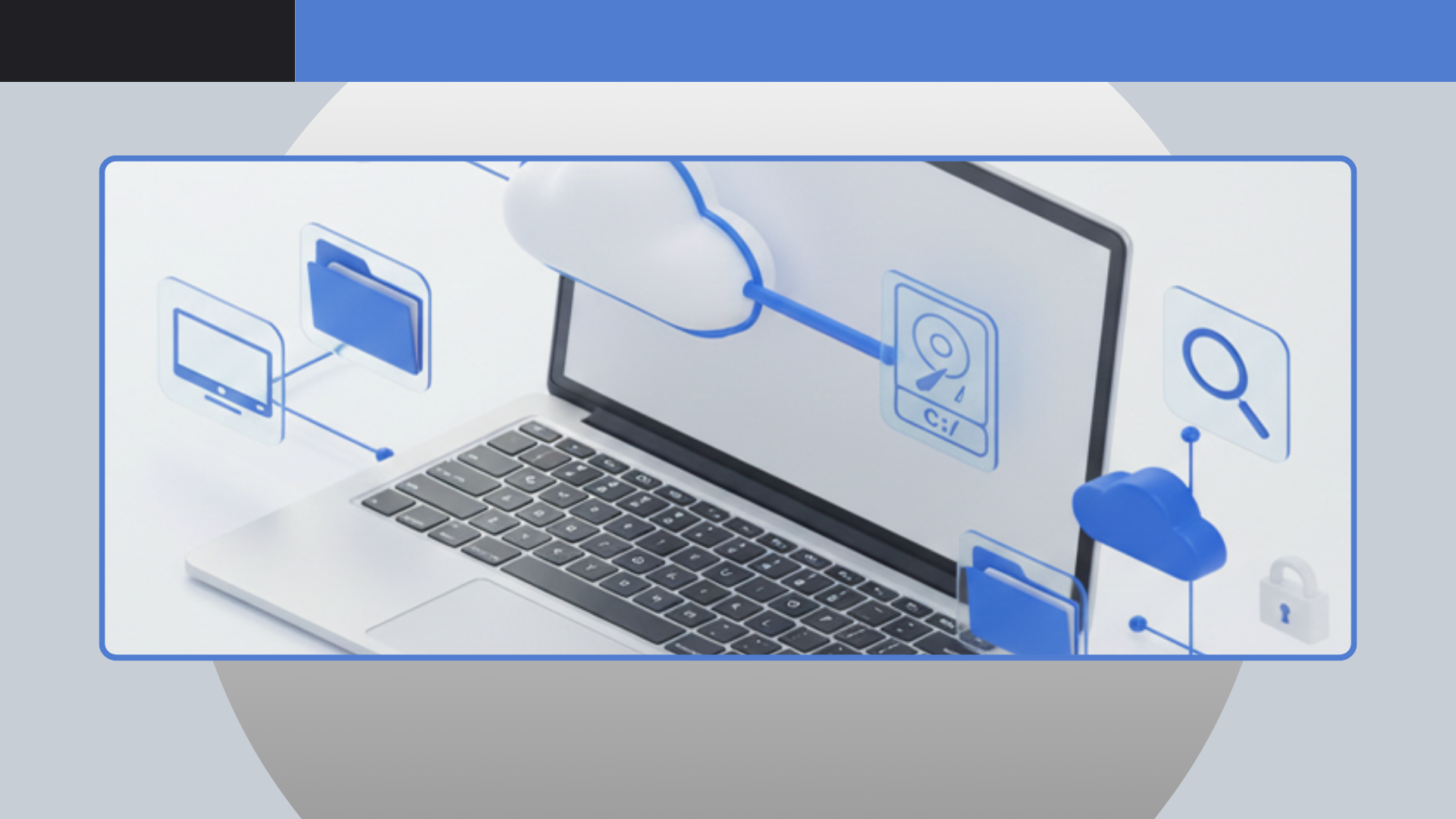
Enter Air Live Drive, a revolutionary application that transforms your cloud storage into readily accessible local disks on your computer. Imagine opening a document from Google Drive directly in Microsoft Word, editing a video stored on an S3 bucket with Adobe Premiere, or managing files across various platforms using your favorite file explorer – all without a single file being downloaded to your hard drive unless you explicitly open or save it. This is the core advantage of Air Live Drive: it creates a seamless bridge between your local operating system and the vast expanse of your cloud ecosystems, making remote storage feel inherently local.
The Air Live Drive Advantage: Seamless Integration and Unmatched Efficiency
The primary appeal of Air Live Drive lies in its ability to present your diverse cloud storage accounts as standard disk drives within your Windows File Explorer. This isn't just a superficial interface; it's a deep integration that allows you to interact with cloud files using the same native applications and commands you'd use for local files. This approach offers several profound advantages:
- Effortless Accessibility: Once mounted, your cloud drives appear with a dedicated letter (e.g., G:, H:, Z:), just like any other hard drive or USB stick. This means no more navigating browser tabs, logging into multiple services, or dealing with complex web interfaces. Your files are always just a click away.
- Maximize Local Storage: Traditional cloud sync services replicate your cloud content onto your local hard drive, consuming precious space. Air Live Drive eliminates this need by providing direct, on-demand access. Files are streamed as needed, ensuring your local disks remain free for essential applications and operating system functions. This is particularly beneficial for users with smaller SSDs or those managing very large cloud datasets.
- Real-time Workflow: Say goodbye to synchronization delays and conflicts. With Air Live Drive, you're working directly with the live version of your files in the cloud. Edits are saved instantly to the remote server, and changes made by collaborators appear in real-time. This real-time interaction is crucial for efficient workflows, especially in collaborative environments where multiple users might be accessing and modifying shared documents or project files.
- Universal Application Compatibility: Because cloud drives are mounted as local disks, virtually any desktop application can open, edit, and save files directly to them. This includes powerful desktop suites like Microsoft Office, creative tools such as Adobe Photoshop or Illustrator, video editing software, and even command-line utilities. Your existing software investments remain fully compatible, extending their reach to the cloud without any additional plugins or adaptations.
- Comprehensive Cloud Support: Air Live Drive boasts extensive compatibility with a wide array of popular cloud services. Whether you rely on OneDrive (including Business and China versions), Google Drive, Box, Dropbox, Mega, Yandex, Naver, Hidrive, Mail.ru, WebDAV, Mail.com, Adrive, Magenta Cloud, Stack Storage, Datto, or even advanced solutions like Amazon S3 and Azure Data Lake, Air Live Drive has you covered. Furthermore, it allows you to connect multiple accounts from the same cloud provider, granting unparalleled flexibility for managing personal and professional data side-by-side.
For those looking to streamline their digital life and avoid the complexities of traditional cloud management, Air Live Drive offers a powerful, intuitive solution. You can begin by trying the free version to experience its capabilities firsthand and see how it revolutionizes your interaction with cloud storage. Learn more about how you can Streamline Your Workflow: Mount Cloud Storage Without Syncing.
Advanced Features and Continuous Refinement: Powering Your Cloud Experience
Air Live Drive is not just about basic cloud mounting; it's a continuously evolving platform dedicated to providing a robust and feature-rich experience. Recent updates and ongoing development efforts highlight a strong commitment to compatibility, performance, and user satisfaction across a diverse range of cloud services. These enhancements directly translate into a more stable, versatile, and user-friendly experience for everyone.
Enhanced Compatibility and Reliability
The developers behind Air Live Drive consistently address specific challenges across various cloud platforms, ensuring smooth operations:
- Google Drive & SharePoint Mastery: Recent improvements include fixing issues with certain Google Drive accounts, allowing the use of custom API IDs for greater flexibility, and displaying account emails with drive names for better organization. For SharePoint, Air Live Drive has introduced the ability to limit shown sites, cache site lists for faster connections, resolve issues with duplicated site names, handle files with brackets, and fix problems with Excel files and shortcuts for site folders and other users' folders.
- Robust S3 & Azure Integration: For S3 users, new features include a convenient share link capability, support for region and signature version parameters, and enhanced compatibility with various S3 servers, including using global regions when a bucket's region is undetermined. Azure Data Lake compatibility has been significantly improved, alongside fixes for specific upload issues.
- FTP & SFTP Excellence: Connectivity with FTP and SFTP servers has seen significant improvements, including download resume support, the ability to play online videos directly, enhanced compatibility with more protocols and servers, and the option to try all IPs on FTP servers for better connection reliability. You can now also edit connection settings for FTP, SFTP, and S3 accounts directly within the application.
- Expanded Cloud Support: Beyond the major players, Air Live Drive continuously refines its support for a wide spectrum of cloud services. This includes recent additions like Pikpak, as well as critical fixes for platforms such as Dropbox (addressing long download times and team folder access), Box (login issues, regional uploads), pCloud (upload problems), Jottacloud, Onlime, Mail.ru, and WebDAV (now sending user agent for better compatibility). Compatibility with Yandex login forcing account choice ensures a smoother experience.
- File Handling and Stability: Key improvements ensure that working with files is seamless, including fixing issues with saving Microsoft Office files, resolving instances where clouds incorrectly showed 0 bytes free, and improving overall stability across the board. The application also provides more detailed information on connection errors and issues when adding accounts, aiding in quicker troubleshooting.
Streamlined User Experience
Beyond raw compatibility, Air Live Drive focuses on improving the day-to-day user experience:
- Clearer Insights: The logs window now limits entries to 3000 lines, preventing overwhelming amounts of data. Air Live Drive also displays 100TB free for disks that don't provide specific free space information, offering a clearer indication of ample storage.
- Cache Management: The "Clear cache on disconnect" feature now efficiently clears the root folder, ensuring a clean slate.
- Internationalization: Ongoing efforts include updated translations for Chinese Traditional, Polish, Dutch, French, and Hungarian, making the application accessible to a global audience.
Advanced Control for Pro Users
For power users and system administrators, the Pro version of Air Live Drive introduces powerful command-line tools, enabling automation and scripting capabilities:
- Drive Management: Easily mount or unmount drives using commands like
AirLiveDrive.exe (mount|unmount) (<unit>|<accountName>) [/password=<password>], perfect for batch scripts or scheduled tasks. - Cache Operations: Control the cache with commands to force folder refreshes (
AirLiveDrive.exe refresh <folderPath>), add files or folders to the cache (AirLiveDrive.exe cache <path>), or remove them (AirLiveDrive.exe removecache <path>), offering granular control over performance. - Security: The administrative password is now verified for exporting or importing disks, adding an extra layer of security for managing your cloud connections.
These continuous updates and refinements underscore Air Live Drive's dedication to providing a leading solution for cloud storage integration. Stay informed on the latest enhancements by checking out Air Live Drive Updates: Google Drive, SharePoint, S3 & More.
Practical Tips for Maximizing Your Air Live Drive Experience
To truly harness the power of Air Live Drive and optimize your workflow, consider these practical tips:
- Strategic Drive Letter Assignment: When mounting your cloud drives, choose logical and easy-to-remember drive letters. For instance, assign 'G:' for Google Drive, 'D:' for Dropbox, or 'S:' for SharePoint. This consistency will make navigating your cloud files intuitive and efficient.
- Leverage Cache Wisely: While Air Live Drive streams files on demand, its caching mechanism can significantly speed up access to frequently used files. For files you access constantly or large project files you're actively working on, consider pre-caching them. Conversely, for archival data, avoid caching to conserve local disk space.
- Understand the Free vs. Pro Version: The free version is excellent for understanding the software's core capabilities. However, for advanced features like the command-line interface (crucial for automation) and enhanced support, upgrading to the Pro version is highly recommended, especially for business users or power users managing extensive cloud infrastructure.
- Security First: Always ensure your cloud accounts are secured with strong, unique passwords and, where available, two-factor authentication (2FA). While Air Live Drive simplifies access, the underlying security of your cloud accounts remains paramount.
- Monitor & Troubleshoot: Familiarize yourself with the application's log window. If you encounter any issues, the detailed error messages can provide valuable clues for troubleshooting, helping you identify and resolve problems quickly.
- Utilize Share Links (S3 & Others): If your cloud provider supports it and Air Live Drive exposes the feature (like for S3), take advantage of share links directly from your mounted drive. This streamlines the process of sharing files with colleagues or clients without needing to access the cloud provider's web interface.
Conclusion: The Future of Cloud File Management is Here
Air Live Drive stands as a testament to intelligent software design, effectively bridging the gap between local convenience and cloud flexibility. By mounting your diverse cloud storage accounts as local disks, it eliminates the inefficiencies of traditional synchronization, frees up valuable local hard drive space, and allows you to work directly with your online files using your preferred desktop applications. From robust compatibility with an ever-growing list of cloud providers to continuous refinements and advanced features for power users, Air Live Drive offers a comprehensive solution for modern file management.
Whether you're an individual looking to simplify your digital life or a business aiming to optimize your cloud-centric workflows, the Air Live Drive advantage is clear: unparalleled accessibility, enhanced efficiency, and a truly seamless integration that makes your cloud feel like home. Experience the difference and transform how you interact with your cloud storage today.