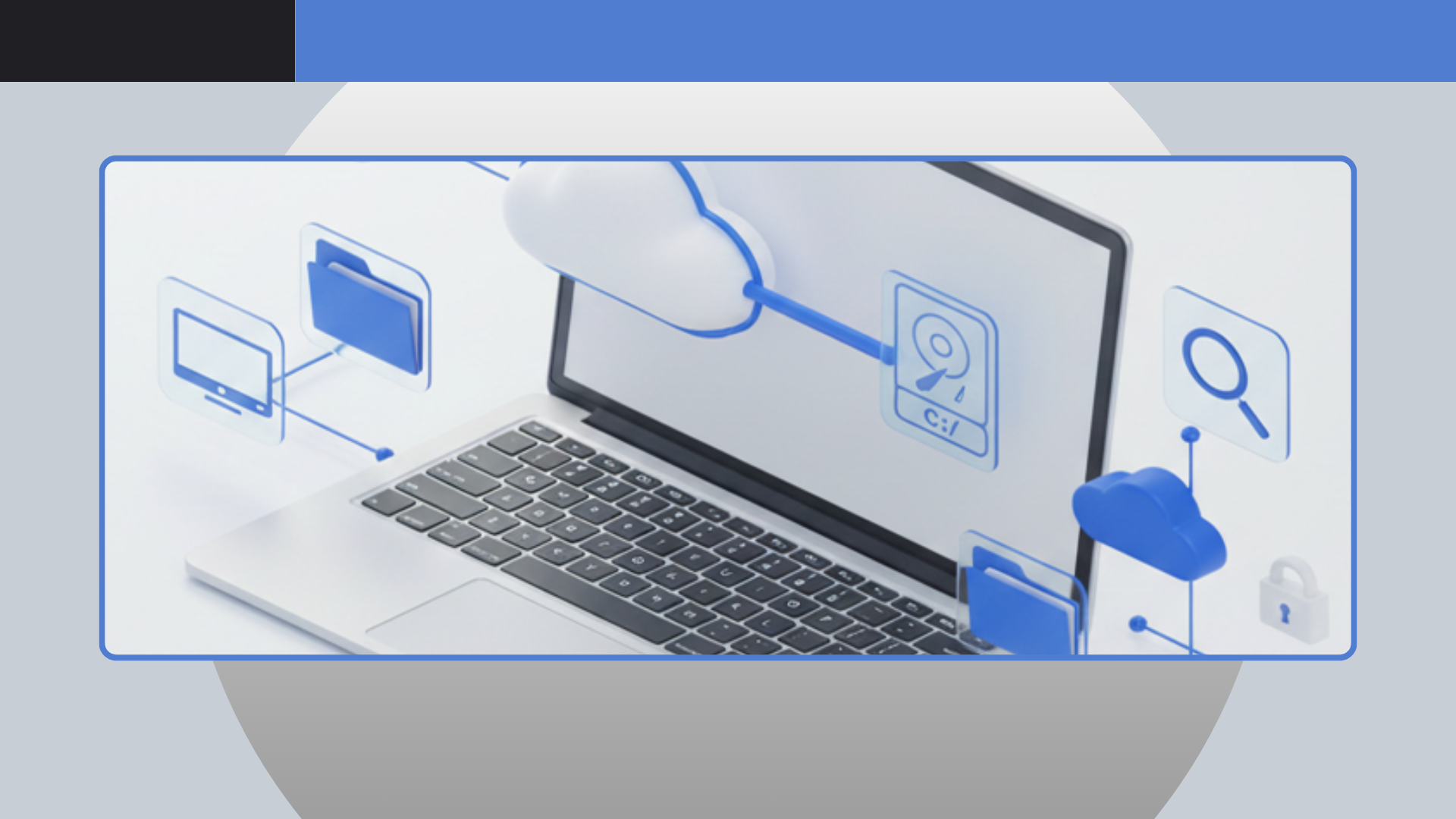
Streamline Your Workflow: Mount Cloud Storage Without Syncing
In an era defined by digital collaboration and vast data archives, cloud storage has become an indispensable tool for individuals and businesses alike. However, the convenience of the cloud often comes with a hidden cost: the necessity of synchronization. Traditional cloud services typically require you to download and store local copies of your files, consuming precious hard drive space, hogging bandwidth, and introducing potential version control headaches. What if you could access all your cloud files as if they were stored locally, yet without the cumbersome process of synchronization? This is the revolutionary promise of
Air Live Drive – an innovative application designed to transform how you interact with your online storage.
The Frustration of Cloud Syncing: Why Go Sync-Free?
Many users grapple with the inevitable downsides of traditional cloud syncing. Imagine a scenario where you're working on a large video project, a high-resolution image, or an extensive document library. Each time you access or modify a file, it's typically downloaded to your local machine, creating a duplicate. Multiply this by dozens, hundreds, or even thousands of files across multiple cloud services, and your local disk space quickly vanishes.
Beyond the space crunch, synchronization brings other challenges:
- Bandwidth Consumption: Constant uploading and downloading can slow down your internet connection, especially with large files.
- Redundant Data: Having multiple copies of the same file across different devices or cloud services increases the risk of confusion and version conflicts.
- Performance Overhead: Syncing processes can consume system resources, potentially slowing down your computer.
- Security Concerns: Local copies of sensitive data, even if encrypted, can be vulnerable if your device is lost or stolen.
Air Live Drive offers a refreshing alternative by eliminating the need for local synchronization altogether. It allows you to mount your cloud storage as virtual local disks directly on your computer, providing instant access to your files without duplicating them on your hard drive. This sync-free approach not only saves valuable local storage but also streamlines your workflow, ensuring you're always working with the live version of your files directly from the source.
How Air Live Drive Transforms Your Cloud Experience
At its core,
Air Live Drive is a powerful tool that bridges the gap between your local file system and your various cloud storage accounts. With
Air Live Drive, your entire cloud ecosystem – be it a single Google Drive account or a complex array of OneDrive, Dropbox, Box, and S3 buckets – becomes a series of virtual local drives. This means you can interact with your cloud files using Windows Explorer, macOS Finder, or any application on your computer, just as you would with files stored on an external hard drive or a network share.
The application boasts broad compatibility, supporting a vast array of popular cloud services, including:
- OneDrive (Personal, Business, China)
- Google Drive
- Box
- Dropbox
- Mega
- Yandex
- Naver
- Hidrive
- Mail.ru
- WebDAV-compatible services (Mail.com, Adrive, Magenta Cloud, Stack Storage, Datto Drive, and more)
- Amazon S3
- SFTP and FTP servers
- SharePoint
- Pikpak
- Azure Data Lake
Crucially,
Air Live Drive allows you to connect multiple accounts from the same cloud provider, assigning each a unique disk drive letter. This capability is invaluable for users who manage separate personal and professional accounts or work with different clients' cloud environments. This seamless integration allows you to leverage your existing software – from office suites and photo editors to video editing tools – directly on files stored in the cloud, without the intermediary step of downloading. To truly appreciate how
Air Live Drive turns your diverse cloud portfolio into easily manageable local disks, explore our detailed guide on
Mount Cloud Drives as Local Disks: The Air Live Drive Advantage.
Staying Ahead: Air Live Drive's Commitment to Evolution and Enhancement
The development team behind
Air Live Drive is continually refining the software, addressing user feedback, enhancing compatibility, and introducing new features to ensure a robust and reliable experience. Recent updates highlight a strong focus on stability, broader connectivity, and improved user control:
Enhanced Compatibility & Stability Across the Board
Significant efforts have been made to bolster compatibility and resolve common pain points. This includes fixing issues with specific Google Drive accounts and certain Box logins, improving pCloud and Pikpak upload reliability, and resolving problems with large Dropbox file downloads (over one hour). SharePoint document libraries now handle duplicated names more gracefully, and special characters like brackets in Backblaze B2 filenames are no longer an issue. WebDAV now sends a user agent for better server interaction, and S3 connections are more robust with added region and signature version parameters, even defaulting to a global region if specific bucket regions can't be determined. FTP server connections now attempt all available IPs for improved reliability, and issues saving Microsoft Office files and displaying 0 bytes free on certain clouds have been rectified. Jottacloud and Onlime integrations have also seen fixes, ensuring smooth operation.
Improved User Experience & Control
User feedback has led to several quality-of-life improvements. The application now shows the account email alongside the drive name for clearer identification. Users can now limit the SharePoint sites displayed by
Air Live Drive, and even save this list in a cache for faster connections. More informative error messages are provided during account additions and connection failures, helping users troubleshoot issues quickly. For cloud services that don't report free space,
Air Live Drive now intelligently shows "100TB free" to avoid confusion. Box uploads benefit from regional endpoints, and SharePoint sites and document libraries now replace '/' with '–' for consistent naming. Additionally, options to show shortcuts for SharePoint site folders and other users' folders have been added, enhancing navigation.
Advanced Connectivity and Power User Features
For those needing more granular control,
Air Live Drive has expanded its capabilities significantly. SFTP connections now support download resume and online video playback, and a share link feature has been added for S3 connections. Compatibility with Azure Data Lake has been improved, and it's now possible to edit connection settings for FTP, SFTP, and S3 accounts after they've been set up. Furthermore, the Pro version introduces several powerful command-line commands for automation:
AirLiveDrive.exe (mount|unmount) (<unit>|<accountName>) [/password=<password>] to programmatically mount or unmount drives.AirLiveDrive.exe refresh <folderPath> to force a folder refresh.AirLiveDrive.exe cache <path> to add a file or folder to the cache.AirLiveDrive.exe removecache <path> to remove a file or folder from the cache.- Commands to clear a disk's cache entirely.
These command-line options empower advanced users and IT administrators to integrate
Air Live Drive into scripts and automated workflows. The application has also kept pace with globalization, updating Chinese Traditional, Polish, Dutch, French, and Hungarian translations to serve a broader international user base. For a deeper dive into recent feature rollouts and bug resolutions, our article
Air Live Drive Updates: Google Drive, SharePoint, S3 & More provides comprehensive insights.
Maximizing Productivity with Air Live Drive: Practical Tips & Use Cases
Air Live Drive is more than just a convenience; it's a productivity enhancer. Here are some practical ways to leverage its capabilities:
- For Freelancers and Remote Teams: Access project files on shared cloud drives (like Google Drive or SharePoint) as if they were on your local network, facilitating seamless collaboration without constant syncing.
- For Content Creators: Edit large media files (videos, high-res images) directly from cloud storage without needing to download the entire file, saving significant local disk space and reducing transfer times.
- For Businesses: Provide secure, on-demand access to critical company documents stored in S3 buckets or Azure Data Lake, ensuring employees work with the most current versions without local replication.
- For Users with Limited Local Storage: Turn a small SSD-equipped laptop into a powerhouse by offloading vast amounts of data to the cloud and accessing it instantly via Air Live Drive.
Tips for Optimal Use:
- Prioritize Caching: For frequently accessed folders or files, use the caching feature (or the command-line tool in Pro) to ensure even faster access times without full synchronization.
- Organize Smartly: Assign logical drive letters and names to your mounted clouds for easy identification and navigation within your file explorer.
- Leverage Automation: If you're a Pro user, explore the command-line tools to automate tasks like mounting specific drives on startup, refreshing project folders, or managing your cache programmatically.
- Stay Updated: Regularly check for updates to ensure you benefit from the latest features, compatibility improvements, and stability enhancements.
Conclusion
The way we work with cloud storage is evolving, and
Air Live Drive stands at the forefront of this evolution. By liberating users from the constraints of traditional syncing, it offers unparalleled flexibility, efficiency, and control over their digital assets. Whether you're a casual user looking to save disk space or a power user needing robust cloud integration for complex workflows,
Air Live Drive provides a powerful, sync-free solution. By transforming your disparate cloud storage into cohesive, locally accessible drives,
Air Live Drive empowers you to reclaim local disk space, enhance data security, and dramatically speed up your workflow. Experience the future of cloud storage management and streamline your digital life with
Air Live Drive.